Dealership marketing teams do this enough times that we can tell you exactly how it goes. Someone shoots 40 cars on a Tuesday. Wednesday morning, the photos land in a shared folder with names like IMG_2847.jpg, IMG_2848.jpg. By Thursday afternoon, somebody is still in Photoshop trying to erase a wheelie bin in the background of car number 22.
Editing car photos is the kind of work that seems simple until you've done a hundred of them. Then it becomes one of the more soul-destroying tasks in automotive retail.
This piece will show you how to do it faster, more consistently, and with results that actually move when you edit car photos.
Marketing
How to edit car photos faster and more consistently

- By Phyron
- May 27, 2026

Start with the shoot, not the edit

- Easiest thing first. Start the right way in the parking lot.
Park the car somewhere with even, indirect light. An overcast sky is a gift. It eliminates the harsh shadows you'll otherwise spend twenty minutes trying to fix. Avoid shooting at midday in summer unless you enjoy editing out reflections of yourself in the bonnet.
Get the car clean. Smudges, water spots, fingerprints, all of it shows up much more obviously in a photo than in person. Tires dressed. Wheels wiped down. The interior vacuumed, dashboard wiped, a quick spray of glass cleaner on the inside of the windscreen so you don't get that hazy bloom in the cabin shots.
Shoot at roughly the same height for every car. Eye level on the door handle is a good rule of thumb. When you have 40 listings on a results page, and they're all framed slightly differently, the inconsistency is genuinely off-putting to buyers, even if they can't articulate why.
Get the standard angles: - Three-quarter rear
- Both profiles
- The front and back
- A wheel
- The dash
- the seats from the rear door
- The trunk
- And the engine bay, if it's clean
That's your baseline. Anything beyond that is a bonus. If you nail the shoot, the edit becomes a polish.
The essentials: what matters when you edit car photos

Most edits live or die on three things: exposure, color, and the background. Pretty much everything else is fiddling around the edges.
Exposure
Almost every car photo benefits from being slightly brightened, with the shadows lifted a touch, and the highlights pulled down a touch. The reason is that a car has metallic and glass surfaces that reflect a much wider tonal range than a camera can comfortably capture.
Pulling those extremes inward makes the image look closer to how your eye perceived the car in person. Don't go nuclear with it. If the photo starts looking flat or HDR-cartoonish, you've gone too far.
Color
White balance is where amateur edits give themselves away. A car shot under a partly cloudy sky will often have a slight blue cast, making the paint look colder than it really is. Warming it up by a small amount (we're talking nudges, not big slider moves) restores the vehicle's actual color.
Saturation, leave mostly alone. Vibrance, you can lift slightly. Cars don't need to look more colorful than they are; they just need to look accurate.
Background
This is where most of the editing time goes, and where the biggest wins are. A messy, inconsistent background drags down even a well-shot car.
The fix is either to remove the background entirely and replace it with a clean studio-style backdrop or to neutralize it. Blur it, darken it, do something so the eye goes to the vehicle rather than the rusted skip behind it.
Backgrounds are where most teams lose time when editing car photos manually.
Here's the painful truth: doing this manually takes 8 to 15 minutes per car. Sometimes more if the photo has tricky edges (alloy wheel spokes are the bane of every editor's life). Across an inventory of any meaningful size, that's not sustainable if you regularly edit car photos at scale.
Where automation actually helps

A lot of one-click "AI photo edit" tools produce results that look uncanny: over-smoothed paint, plastic-looking interiors, wheels that no longer have the right number of spokes.
But car photography is a fairly constrained problem. The subject is always a vehicle. The vehicle has predictable shapes: body panels, glass, wheels, and ground contact shadow. The background is always something you don't want.
Once a system has learned what a car looks like from every angle, separating the car from its surroundings becomes a near-perfect task for teams that edit car photos every day.
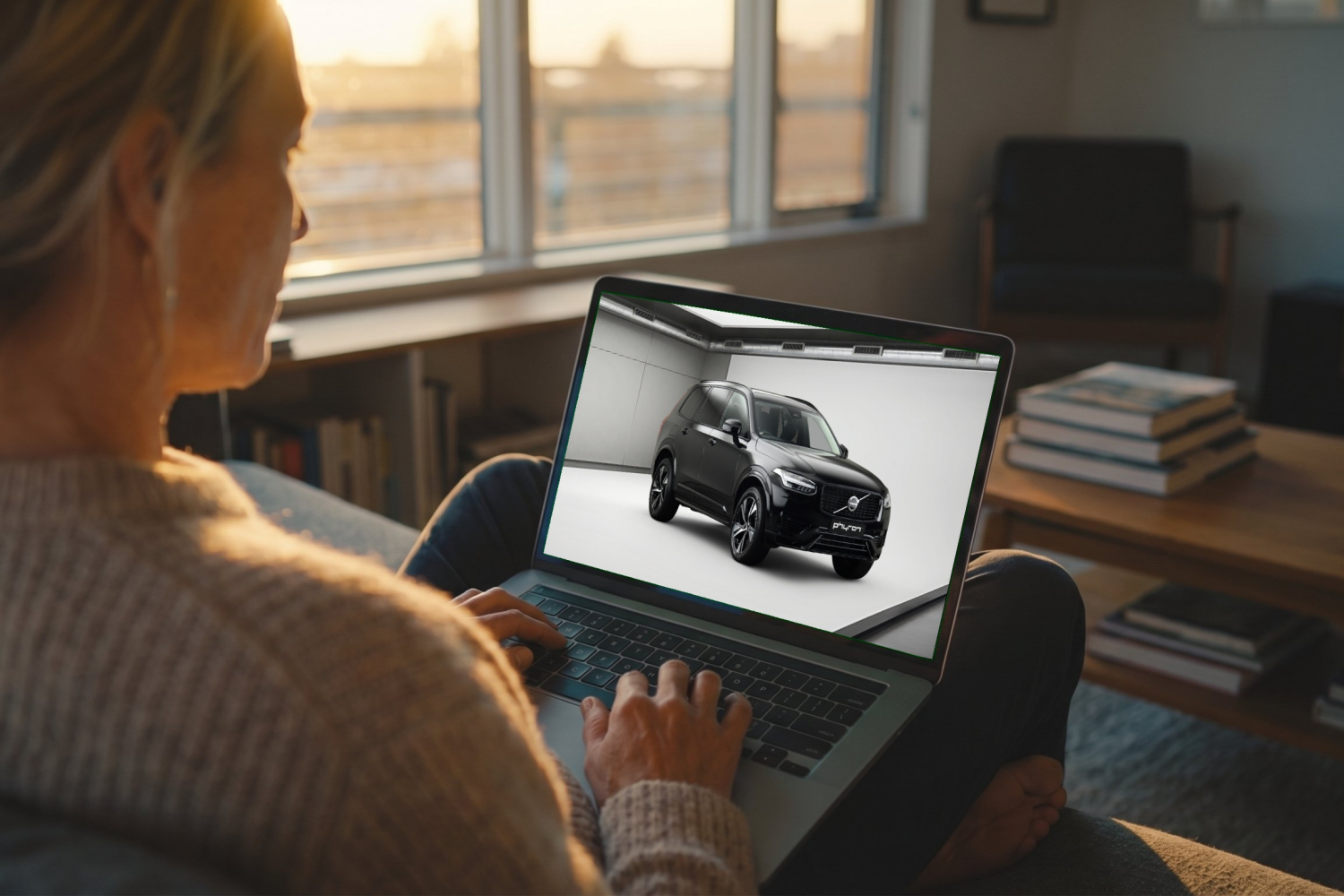
With Phyron's Enhanced Stills, backgrounds are removed and replaced automatically across thousands of cars in your feed, using branded backgrounds that match the entire inventory. It also upscales lower-resolution images so they hold up at the size modern listings demand and keeps the vehicle consistently scaled and positioned from one car to the next.
The point is that it handles the boring 90% of the editing job in a few seconds per image, freeing your team to focus on the work that actually requires human judgment.
Common mistakes to avoid when you edit car photos
Some practices we see a lot that do more harm than good:
Heavy filters
The "Instagram-fied" car photo with crushed blacks and a teal-orange grade looks distinctive in your feed, but looks weird on a marketplace next to other listings. Buyers will compare your car to 10 other listings for similar cars. You want yours to look correct, not stylized.
Adding fake environments
When you drop a Range Rover onto a synthetic mountain road, or a Mercedes onto a dramatic seaside cliff, buyers can tell. It actually erodes trust, even if it looks impressive at first glance. A clean, neutral, branded backdrop almost always outperforms a fabricated scene.
Over-editing the interior
The cabin photo that's been brightened so the seats look beige when they're actually black causes problems later. When the buyer arrives, and the car doesn't match the listing, that’s an issue.
Forgetting to shoot the things buyers actually look at
Tire tread, service book, key set, boot space with the parcel shelf out, and infotainment screen showing the make and model. These photos get more attention from serious buyers than the glamour shots do.
Putting it together
To summarize the whole thing:
- Shoot well so you don't have to edit much later
- Edit consistently so your inventory looks like one coherent shop window
- Automate the parts of editing that don't reward human attention when you edit car photos.
If your team is still spending hours cleaning up listing photos, it’s probably time to rethink the process. Send us a few vehicles, and we’ll show you what Enhanced Stills can do with them.
Automate car photos and video

Engage and attract more buyers
Book a free Phyron demoMore in Marketing

Oct 8, 2026
9 ways to run an efficient car photoshoot
Make dealership car photoshoots more efficient with practical ways to reduce delays, streamline vehicle photography, and get inventory online faster.

Sep 24, 2026
The best car photo backgrounds for dealership listings
Find the best car photo backgrounds for dealership listings and learn how to create consistent vehicle imagery at scale.

Sep 10, 2026
Digital merchandising for car dealerships: How to reach more buyers
Discover how an AI car photo editor helps dealerships enhance vehicle photos, reduce editing time, standardize inventory presentation, and sell cars faster.